
Is there a Hell Butcher app to download?
No. Pragmatic Play does not release a standalone app for individual slots. You play in your phone's browser, or inside a casino's own app where one is offered. The gameplay is identical either way.
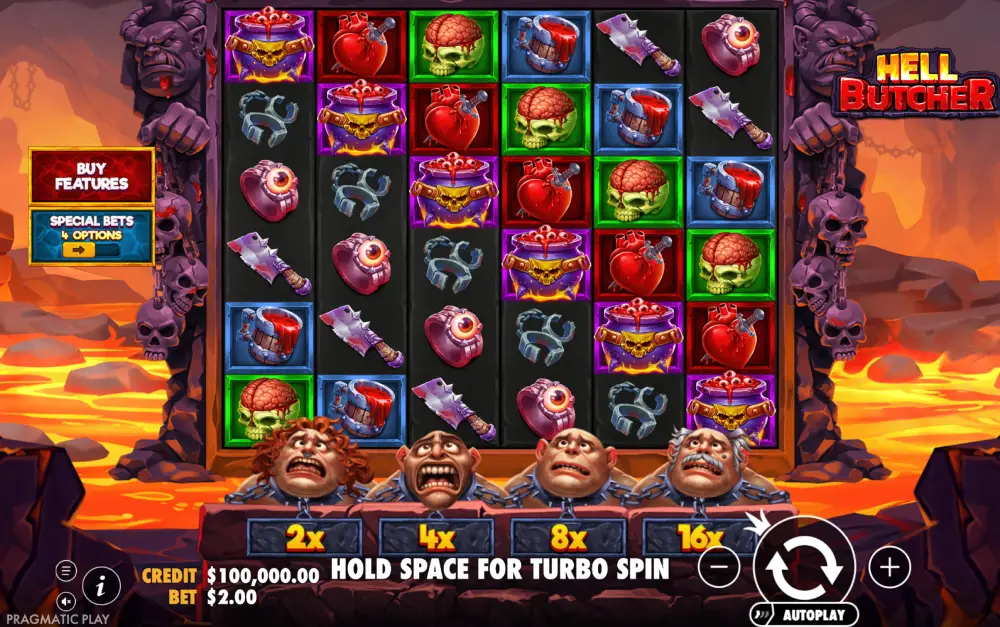
Hell Butcher mobile runs in your phone's browser with no App Store or Play Store download required. Pragmatic Play built this 6×6 tumbling slot in HTML5, so the same engine that powers desktop streams to an iPhone, iPad or Android handset at full quality. RTP stays 96.55%, the cap stays 20,000×, and every feature carries over untouched.
This page covers the practical stuff: iOS and Android minimums, browser versus casino-app play, how to get full-screen mode, and what an hour of spinning costs in mobile data. If you're chasing a Hell Butcher APK or wondering whether a small screen changes the maths, you'll get straight answers here. Bets run from €0.20 to €240 on phone exactly as they do on desktop.
Quick Cashouts · Verified License · 18+ · Play responsibly
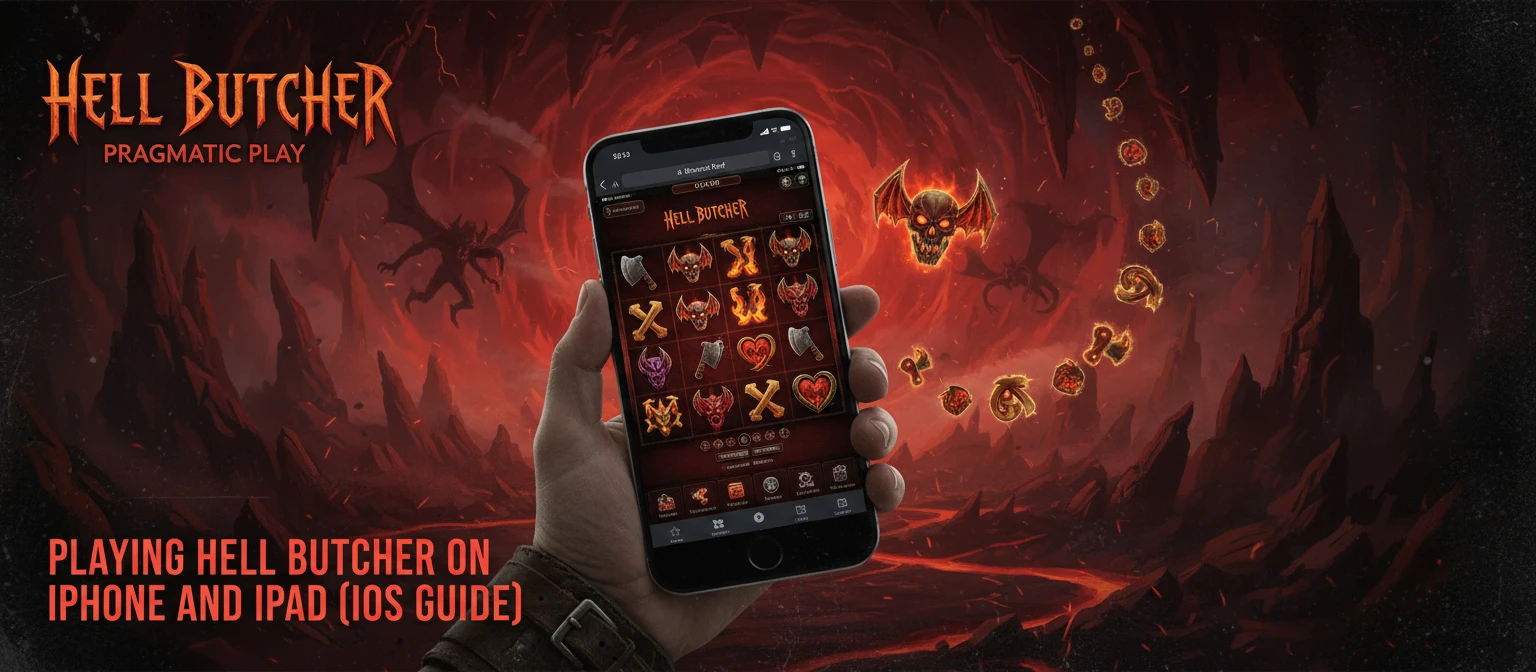
Hell Butcher mobile loads straight inside Safari on any current iPhone or iPad, with no App Store download in the way. Pragmatic Play builds the slot in HTML5, so the engine that drives the desktop version streams to a phone screen without a separate client. You open your casino account in the browser, search the lobby for the game, and tap the thumbnail to launch it.
iOS 13 is the practical floor. Anything from an iPhone 8 upward handles the 6×6 grid, the tumbling animations and the wild-multiplier sequences at full frame rate. Older devices still run it, but expect slower reel drops during long free-spin chains.
Before you deposit on a fresh device, load the Hell Butcher demo first. It runs the same way in Safari, costs nothing, and lets you confirm touch response and screen fit before real money is involved. The full feature breakdown and specs sit in our Hell Butcher review if you want the numbers before you spin.
Hell Butcher full screen on iPhone takes one extra tap. Most Pragmatic Play lobbies show an expand icon in the game toolbar; tapping it hides the Safari address bar and stretches the grid edge to edge.
For instant access later, open the Share menu and pick Add to Home Screen. That drops a web-app icon on your home screen that launches the casino in a chromeless full-screen view, close to a native app feel without any install.
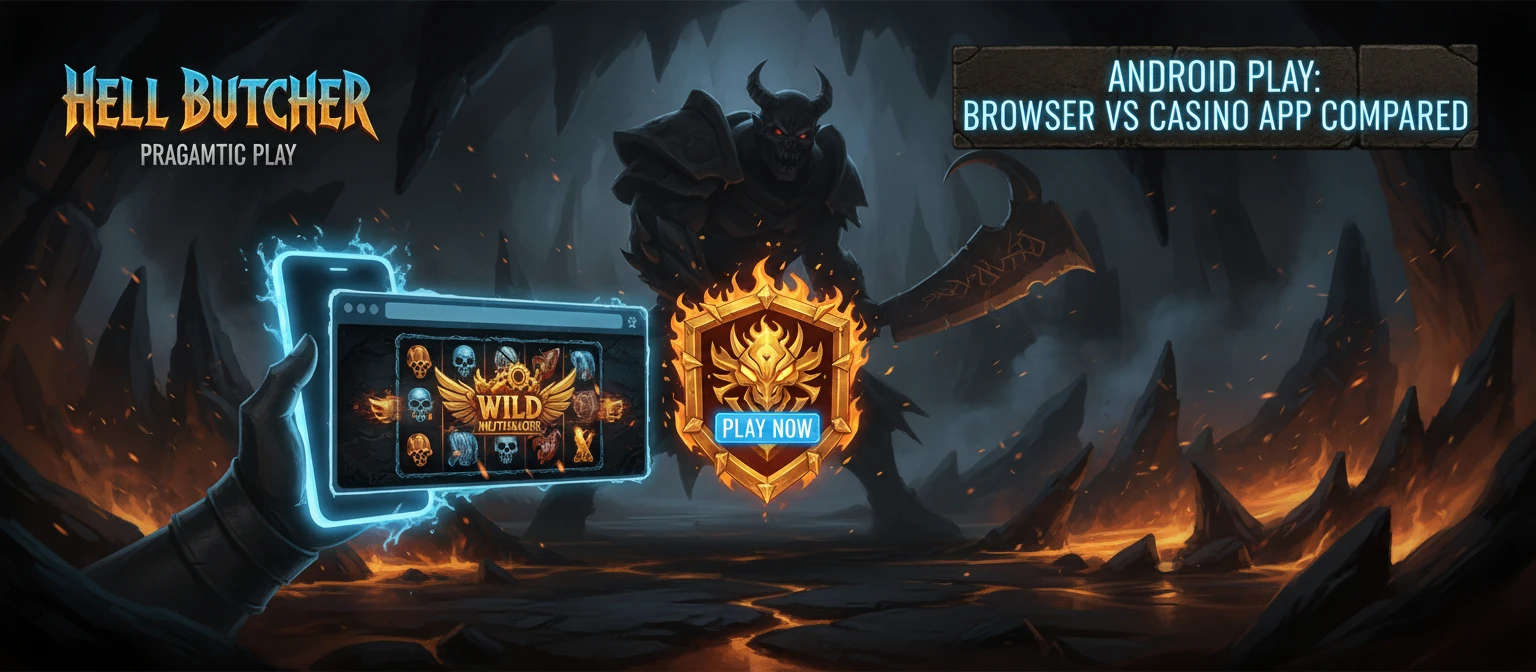
Searching for a Hell Butcher slot apk returns nothing official, and that is by design. Pragmatic Play does not publish standalone APK files for individual slots; the game lives inside licensed casino lobbies, not as a sideloaded download. Any site offering a "Hell Butcher.apk" is unaffiliated and a security risk worth avoiding.
On Android you have two legitimate routes: Chrome in the browser, or a casino's own app where one exists. Both run the identical HTML5 build, so the RTP, the 20,000× cap and every feature stay the same across them.
Chrome needs nothing installed. Open the casino, log in, launch the game, and it streams over your connection. Android 8.0 or later keeps the animations smooth; 3 GB of RAM or more avoids stutter during long tumble sequences.
A dedicated casino app adds convenience rather than new gameplay. It stores your login, pushes promo alerts, and sometimes shaves a second off load times. Vulkan Vegas, for example, lists a mobile app for iOS and Android in its feature set, so the install path there goes through the casino, never a third-party APK.
Neither option plays offline. The reels resolve server-side, so a live connection is mandatory whether you use the browser or an app. If your signal drops mid-spin, the round still settles on the server and your balance updates when you reconnect.
Pick a mobile-ready casino
Choose a site that runs Pragmatic Play titles cleanly on phones. Our list of the best casinos for Hell Butcher flags the brands worth opening on mobile.
Open the site in your browser
Launch Safari on iOS or Chrome on Android and go to the casino. No download is needed at this stage.
Sign in or create an account
Log into an existing account or register, then verify and deposit if you plan to play for real money.
Search the lobby for Hell Butcher
Type the title into the lobby search or filter by Pragmatic Play. Tap the thumbnail to load the game.
Set your bet and orientation
Adjust your stake between €0.20 and €240, then rotate to landscape for a bigger grid. The complete gameplay guide breaks down each control if you need it.
Tap spin and go full screen
Use the expand icon for edge-to-edge play, then spin. Set deposit limits before you start and treat the max win as a rare outcome, never a target.
Load speed on a modern phone is quick, usually two to four seconds on a stable connection. The first launch streams the asset bundle, roughly 5–8 MB, then later spins reuse cached graphics so they start faster. A patchy signal is the main cause of slow loads, not the device itself.
Touch controls are sized for thumbs. The spin button sits bottom-centre, with bet adjustment and the menu within easy reach. Pragmatic Play scales the hit areas up on smaller screens, so you rarely mis-tap during fast tumble runs. Autoplay and the spin-speed toggle both carry over from desktop, which helps if you prefer hands-off sessions.
Orientation is flexible. Portrait keeps the grid centred with controls stacked below, handy for one-handed play on a commute. Landscape stretches the 6×6 layout wider and shows more of the horror-themed backdrop, which suits the wild-multiplier animations better. The game remembers your last orientation within a session.
Full-screen mode is where mobile play feels closest to desktop. The expand icon clears the browser chrome and pushes the reels to the screen edge, useful on a 6-inch display where every pixel counts. Battery drain is moderate; long sessions with bright backgrounds and frequent tumbles will warm the phone, so keep an eye on charge during extended play.
Data use sits around 30–60 MB per hour after the initial load. On Wi-Fi that is irrelevant; on a metered plan it is worth knowing before a long session.
No. Pragmatic Play does not release a standalone app for individual slots. You play in your phone's browser, or inside a casino's own app where one is offered. The gameplay is identical either way.
Yes. The game runs in Safari on any iPhone or iPad with iOS 13 or later. Open your casino, search the lobby, and tap to launch. For full screen, use the expand icon or add the site to your home screen.
There is no official Hell Butcher APK, so any file marketed as one is unaffiliated and risky. Stick to licensed casinos in your browser or their verified app. Sideloaded slot APKs can carry malware and have no link to Pragmatic Play.
No. Mobile and desktop run the same HTML5 build, so RTP stays 96.55% and the 20,000× cap is unchanged. The device you use does not affect the maths in any way.
Roughly 30–60 MB per hour after the first load, which pulls about 5–8 MB. On Wi-Fi the usage is negligible; on a metered plan, budget accordingly for longer sessions.
No. The reels resolve on the casino server, so a live internet connection is required at all times. If your signal drops mid-spin, the round still settles on the server and your balance updates once you reconnect.
Both run the same game. Chrome needs nothing installed; a casino app adds saved logins, promo alerts and sometimes faster load times. Choose the app only if your casino offers an official one, never a third-party APK.
Play Hell Butcher on Your Phone
Launch the 6×6 tumbling slot in your mobile browser, set a stake from €0.20, and play in full screen.
Play Hell Butcher